.png?imageMogr2/format/webp)
.png?imageMogr2/format/webp)
.png?imageMogr2/format/webp)
.png?imageMogr2/format/webp)
.png?imageMogr2/format/webp)
.png?imageMogr2/format/webp)
.png?imageMogr2/format/webp)
.png?imageMogr2/format/webp)
.png?imageMogr2/format/webp)
.png?imageMogr2/format/webp)
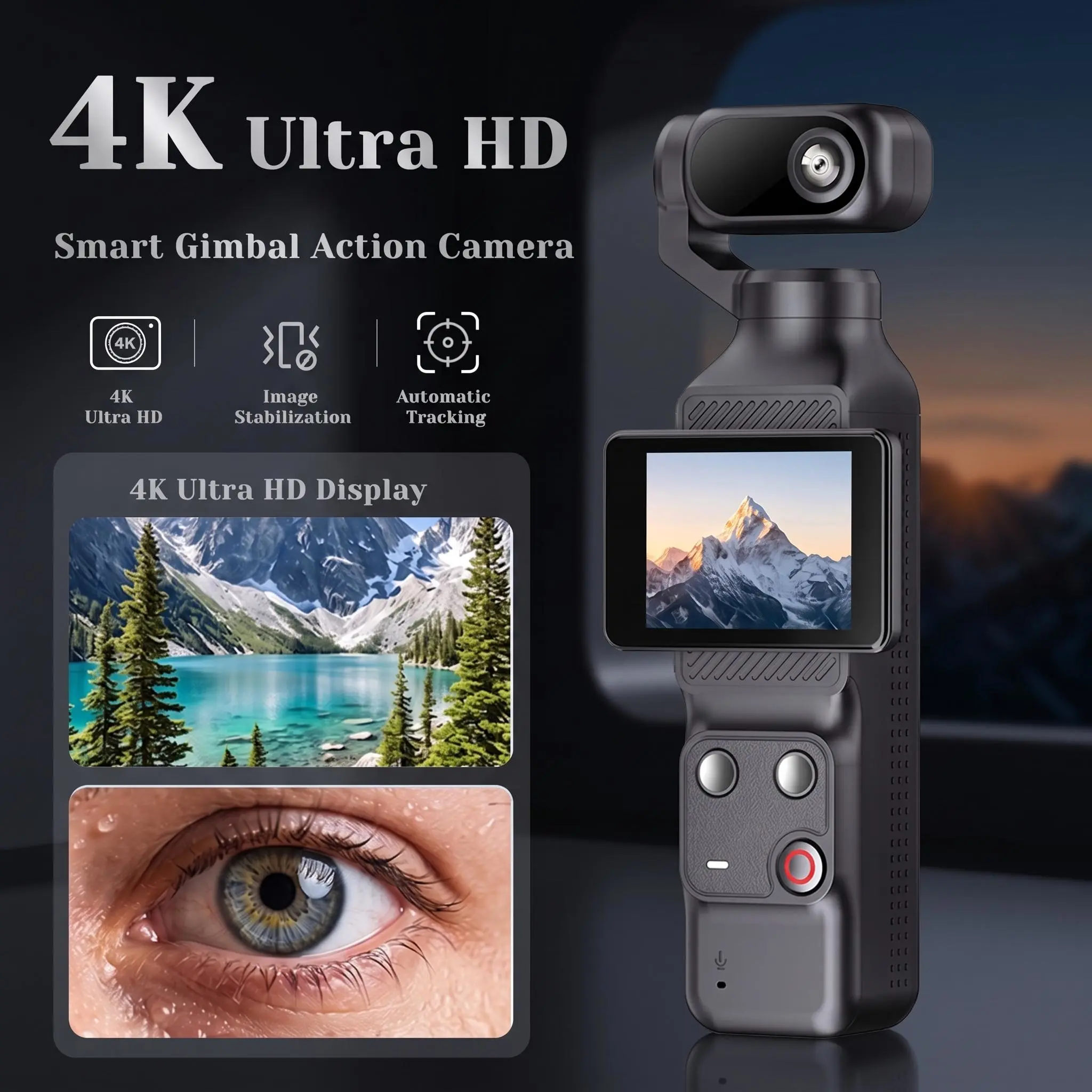
An auto-tracking action camera solves one very specific problem: it keeps the creator in frame while the creator is busy doing something else. Instead of a fixed tripod, a second operator, or repeated remote-control corrections, the camera detects the subject and rotates to follow it.
This guide explains what an auto-tracking action camera is, how it differs from a conventional action camera, which features decide real-world performance for content creators, where the demand comes from, and how brands can bring a differentiated creator camera to market.
Why Auto-Tracking Cameras Are Changing Content Creation
Solo content creation has always carried a production penalty. Recording alone usually means a tripod to hold the frame, a remote control or phone app to adjust between takes, and a stop-and-reset every time the creator moves far enough to leave the shot. Each of those steps is time that is not spent on the activity the audience actually came to watch.
Adding a camera operator is not a realistic answer for most creators — a second person per shooting day is a cost, a scheduling constraint and, for a lot of independent vloggers, simply not available. Auto-tracking removes that dependency by moving the framing problem into the hardware.
The value is not simply that the camera moves. It is that the camera can hold framing while the creator focuses on the activity itself — walking, training, demonstrating, explaining, riding.
That value is shared across several very different groups of buyers: vloggers, social media creators, fitness instructors, travel creators, outdoor creators, and live-streaming users. They record different things in different places, but they run into the same framing constraint, which is why the category keeps attracting attention from brands building creator-focused ranges.
What Is an Auto-Tracking Action Camera?
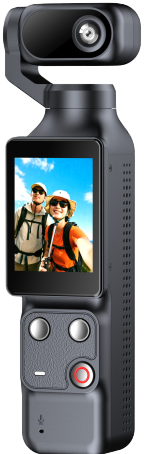
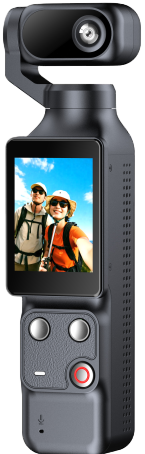
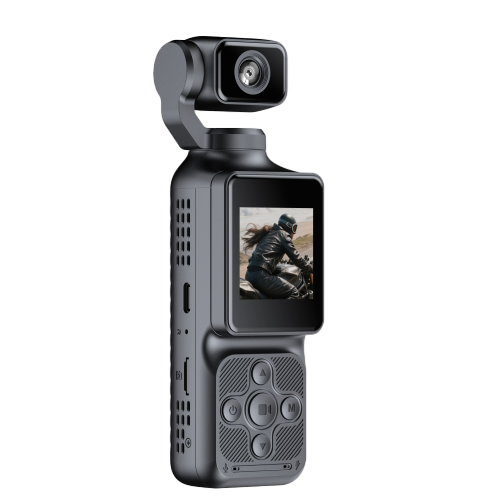
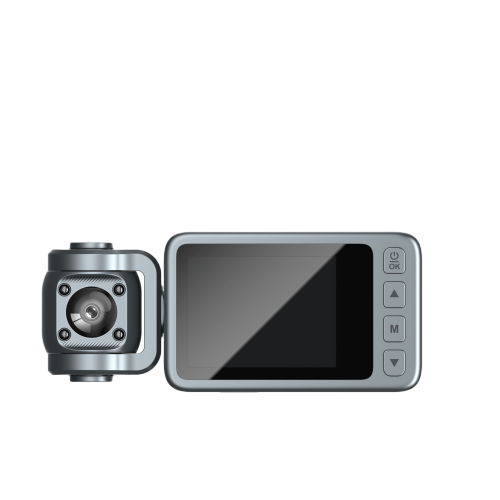
An auto-tracking action camera is a compact camera whose camera head is mounted on a motorized rotating axis, so the lens can physically turn to keep a selected subject inside the frame. The tracking itself is a control function; the movement is mechanical. Both halves have to work together, which is why a tracking camera is judged on how smoothly it follows a moving subject, not only on whether it detects one. The simplest way to recognise an action camera with auto tracking is that the lens head moves while the body stays where it is mounted; on a fixed camera, the head and body are one rigid unit.
It is worth being precise about the detection method. Not every auto-tracking action camera on the market uses the same approach, and the term “AI tracking” should only be used where a specific product genuinely implements it. The mechanics, the tracking logic and the control gestures vary from platform to platform, so it is better to describe what a model actually does than to assume the label.
How Auto Tracking Works
The working sequence is short but each step depends on the others:
- Subject detection — the camera identifies the subject it should follow, either automatically or after a command from the user.
- Tracking logic — it keeps re-evaluating where that subject sits in the frame as they move.
- Motorized movement — a small motor drives the rotating axis; a brushless motor is preferred because it is quieter and lasts longer.
- Lens rotation — the lens head turns, typically within a defined rotation range rather than through the full circumference.
- Automatic framing — the result is a frame the creator does not have to reset manually.
Auto-Tracking vs. Traditional Action Cameras
Both product types record video for content creators, and a conventional action camera remains the better choice for some jobs. The difference is where the framing effort sits: with the user, or with the camera.
| Feature | Traditional Action Camera | Auto-Tracking Action Camera |
|---|---|---|
| Subject framing | Set manually before recording | Maintained automatically during recording |
| Camera movement | Usually fixed on a mount | Motorized rotation follows the subject |
| Hands-free operation | Limited — start and stop only | Designed around hands-free shooting |
| Creator movement | Repositioning required to stay in shot | Head can follow the subject as they move |
| Vlogging workflow | Suits a fixed framing position | Works with a moving framing position |
| Solo shooting | More setup per take | Built for easier solo recording |
The honest reading of that table is not that a traditional action camera cannot be used for vlogging — it clearly can, and many creators work that way every day. It is that an auto tracking camera shifts the emphasis toward solo shooting and dynamic framing, which is exactly the segment that has grown fastest. Motion tracking also changes what counts as a good take: with a fixed camera, a creator who drifts out of frame has to start again, while with tracking the shot survives.
Key Features to Look for in an Auto-Tracking Action Camera
Six feature groups decide whether a tracking camera is pleasant to use or merely capable on paper. They also map directly onto the questions a brand should be asking a supplier.
1. Auto-Tracking Mechanism
Start with the axis arrangement. A single-axis system rotates around one axis, which suits creators who move left and right in front of the camera — the common case for vlogging, fitness content and product demonstration. Ask about tracking responsiveness, the usable rotation range, and what happens when the subject leaves that range. Tracking stability matters more than tracking speed in practice: a fast head that overshoots produces unusable footage, while a steady one produces watchable footage.
The motor choice is part of this. A silent brushless motor keeps the camera quiet enough for spoken content and reduces mechanical wear, which matters when a creator records for an hour rather than a minute.
2. Wide-Angle and Rotatable Lens
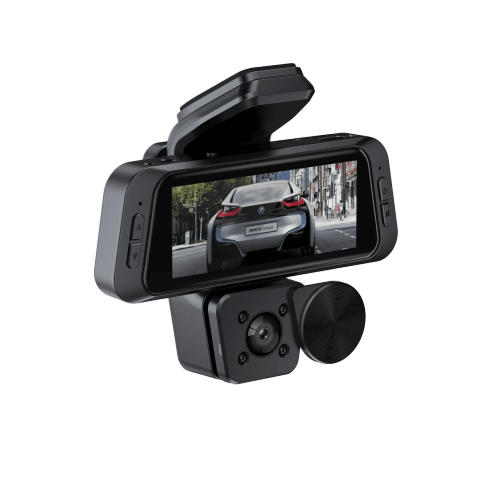
Field of view and rotation solve different problems. A wide field of view gives the tracking system room to work and lets a creator stay in shot during larger movements; a rotatable lens lets the same camera be pointed at the creator for a selfie-style frame or turned outward to record the environment, without remounting it.
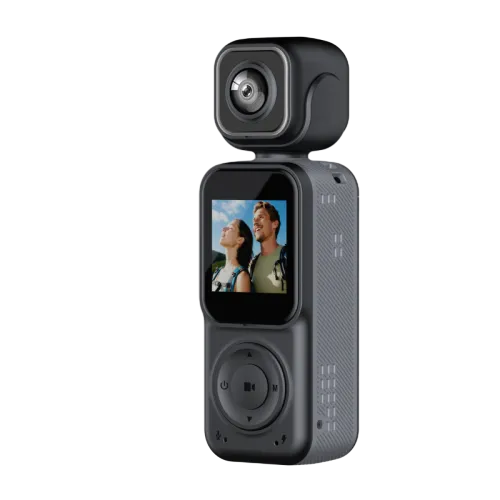
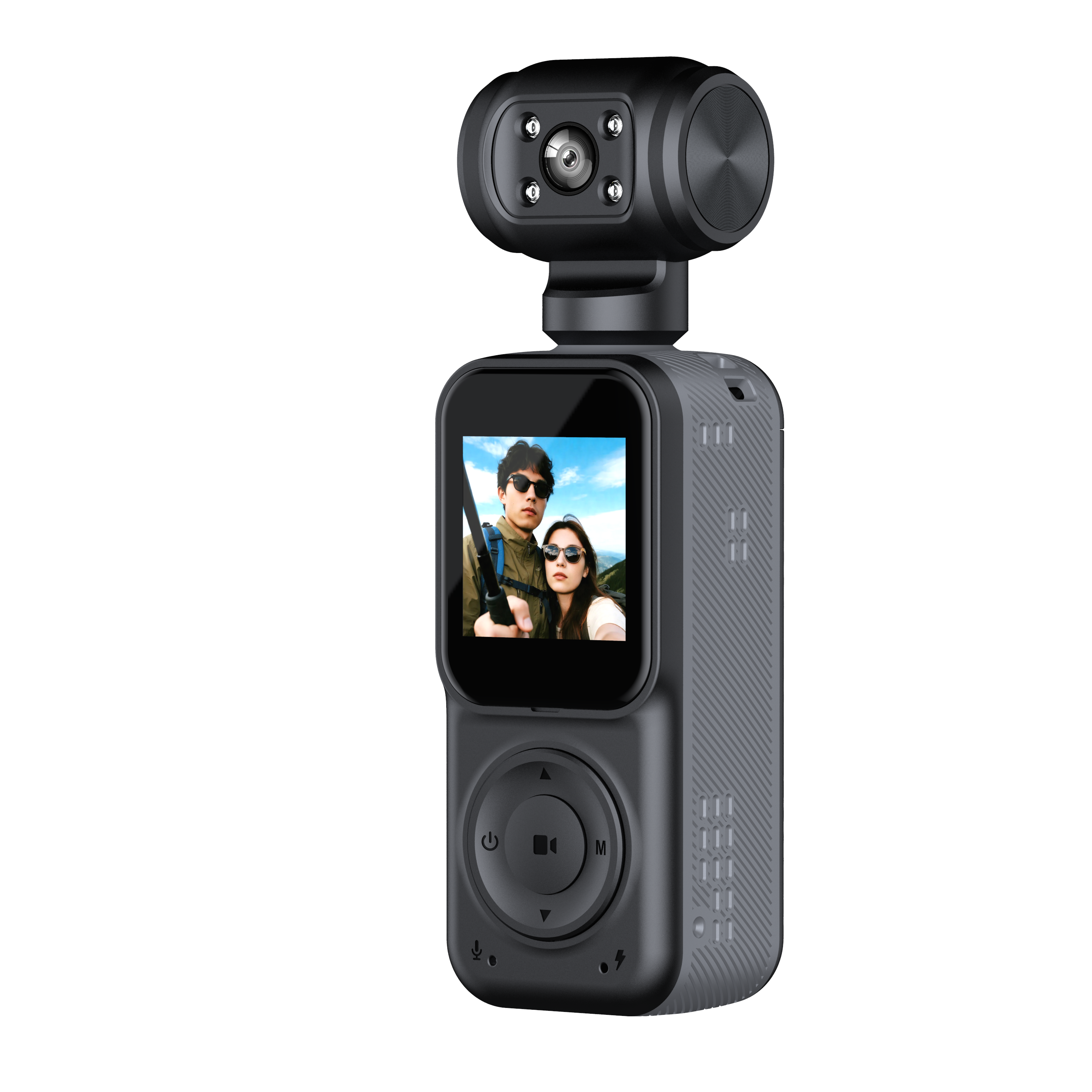
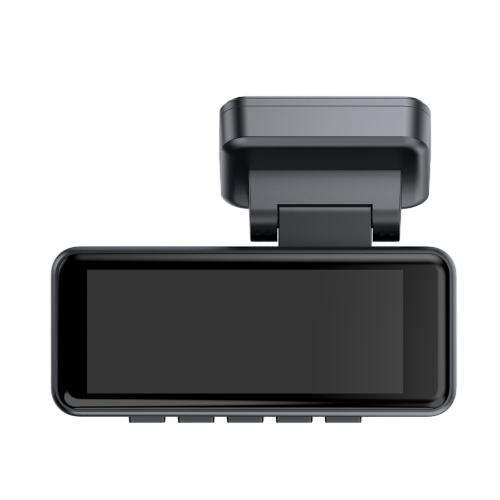
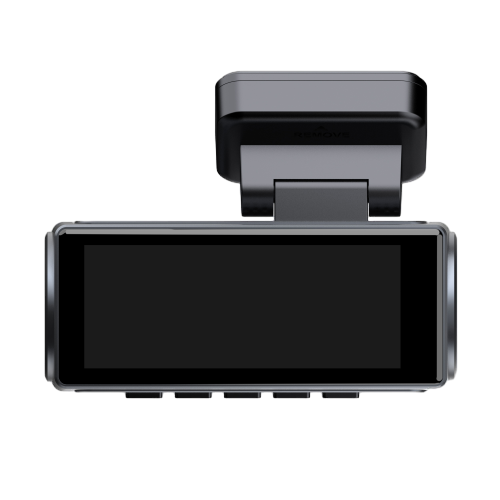
Both are visible in the Q12 and Q12S: each carries a 130° wide-angle HD lens on a motorised head that turns up to 355° left and right, with 90° of manual adjustment up and down, so a creator can be followed around the room while the lens angle itself is set by hand.
3. Image Stabilization
Stabilization addresses a different source of bad footage than tracking does. Tracking keeps the subject in frame; stabilization keeps the frame itself steady during walking, handheld and outdoor recording. For creator content the two are complementary — a head that follows a walking creator is not much use if every step shows up as camera shake. Models differ here, so it is a specification to confirm per model rather than assume across a range.
4. Resolution and Frame Rate
Higher resolution is not automatically the right answer; it depends on the content and on how the footage will be stored and edited. A practical way to read the options:
| Configuration | Typical Application |
|---|---|
| 4K | High-quality creator content, product and travel footage |
| 2.7K | Balance between image quality and storage |
| 1080P high frame rate | Slow motion and fast movement |
Frame rate is what makes slow motion possible, so it deserves as much attention as resolution. The Q12S covers 4K at 30fps, 2.7K at 60fps and 1080P at 120fps; the Q12 records 1080P at 30fps, which keeps files smaller and editing lighter for daily social content.
5. Gesture Control
Gesture control is the feature that makes a tracking camera usable when the creator cannot reach it. Cycling, fitness training, cooking, demonstrating a product, or working outdoors with full hands — in all of these, walking over to press a button breaks the take.
The practical format is a small set of unambiguous gestures: on the Q12 and Q12S, showing a palm stops tracking and recording, and an OK gesture starts tracking and recording. That is a complete hands-free loop for a solo creator, and it is worth testing on a sample rather than trusting a feature list, because recognition quality varies with distance and lighting.
6. Battery Life and Portability
Runtime and weight are the two constraints that decide whether a camera actually leaves the bag. Motorized tracking consumes power that a fixed camera does not, so a tracking model needs a cell sized for continuous shooting rather than short clips.
Both the Q12 and the Q12S use an 18650 cell rated at 2000mAh. Runtime differs between them, and it should be quoted per model: the Q12 is rated at approximately 6–7 hours of recording, while the Q12S is rated at approximately 5–6 hours, which reflects the greater processing load of 4K. Portability also covers mounting, charging interface and storage support — all three are part of the buying decision, not afterthoughts.
Best Applications for Auto-Tracking Action Cameras
The applications below are the ones where automatic tracking changes the workflow rather than merely adding a specification. Outdoor sports get most of the attention in this category; content creation is where the commercial demand is growing.
Vlogging
Walking vlogs, travel vlogs, daily-life content and indoor creator content all involve a presenter who moves around their own frame. Automatic tracking reduces the number of times the camera has to be repositioned between segments, which shortens shooting days and reduces the amount of unusable footage. That is what turns an auto tracking camera for vlogging from a convenience into a workflow change.
Fitness and Workout Content
Yoga, fitness instruction, personal training and dance are unusually well matched to tracking, because the subject moves laterally across a defined space while needing to stay visible for instruction. A fixed camera forces either a very wide frame with a small instructor or constant readjustment; a tracking camera follows the movement instead.
Outdoor and Travel Content
Hiking, cycling, walking tours and adventure content combine moving subjects with changing environments. Tracking keeps the creator framed while the background changes, and the 355° horizontal rotation of the head lets the same setup keep following as the direction of travel changes, without a remount.
Product Demonstration
This is the application that translates most directly into B2B demand. Product reviews, how-to videos, hands-on demonstrations and social commerce content are usually shot by one person who is both presenter and operator — and often has both hands occupied with the product itself. Hands-free control plus consistent framing removes the main production bottleneck in that format.
Live Streaming and Social Media
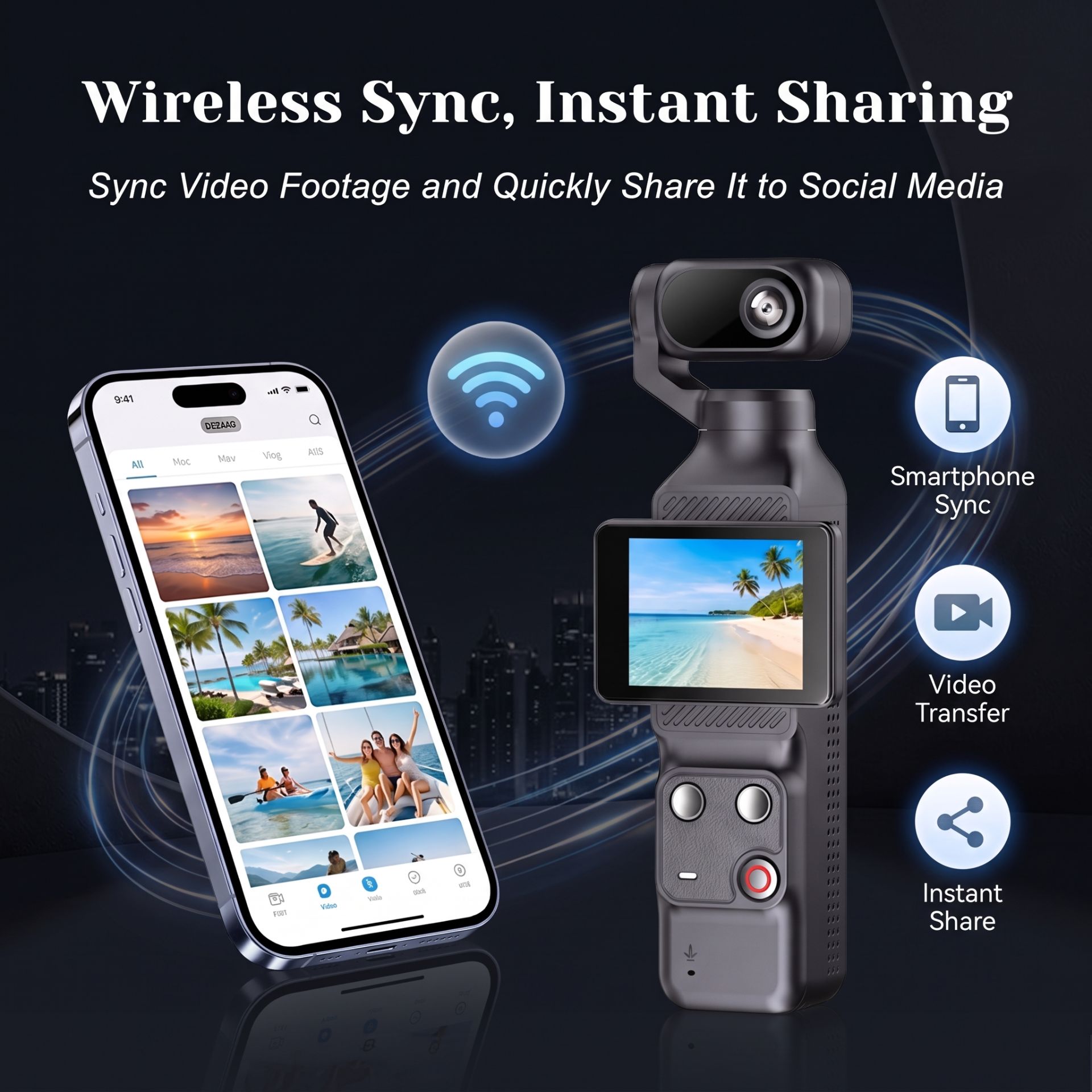
Solo live streaming, short-form video, social media content and small creator studios all benefit from a camera that can run unattended for long sessions. Practical capability depends on Wi-Fi connectivity, runtime and app support, so the specifics should be confirmed against the platform in question rather than assumed to be universal.
Why Auto-Tracking Matters for Content Creator Brands
Everything above describes demand. This section is about supply: why putting an action camera with auto tracking for brands into a range is a commercial decision rather than a technical one. Four reasons come up repeatedly when brands evaluate this category.
Product Differentiation
Resolution and field of view have converged across the category, so they no longer separate one listing from another. A motorized tracking head is a visible, demonstrable difference — something a buyer can understand from a short video rather than from a specification row.
The Solo-Creator Market
The audience for these products is a creator working alone. That buyer does not need broadcast features; they need the camera to behave like a second pair of hands. This is why a tracking camera for creators has to be judged on usability rather than on a specification sheet alone.
Content Creation Convenience
Fewer setup steps and less manual adjustment is a benefit that shows up in reviews and repeat purchases. Convenience is easier to communicate in marketing than a small improvement in an image specification.
Multi-Scenario Positioning
One platform can be positioned across vlogging, fitness, travel, education and product demonstration, which lets a brand cover several customer groups without developing several products or maintaining several sets of documentation.
“Auto-tracking is not a resolution upgrade. It changes who has to operate the camera, and that is what makes a creator product feel different in the hand.”
Q12 and Q12S as Auto-Tracking Action Camera Examples
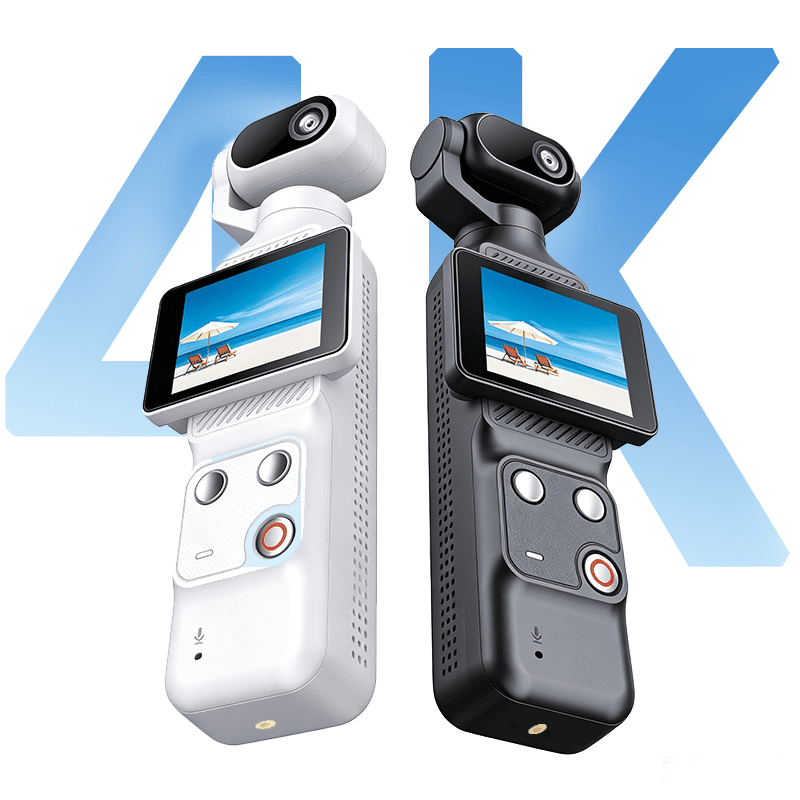
Two current models show how the same tracking concept can be positioned at two different levels, which is useful when planning a range rather than a single product.
Q12 — 1080P Single-Axis Auto-Tracking Action Camera
The Q12 records 1080P (1920×1080) at 30fps and captures 12MP stills, with photo modes covering 2.7K, 1080P and 720P. Its single-axis auto tracking runs on a silent brushless motor, and the 130° wide-angle lens sits on a head that turns up to 355° left and right automatically, with 90° of manual tilt. A 2.0″ IPS touchscreen handles framing and settings, gesture control covers palm-to-stop and OK-to-track, and audio is handled by a digital noise-reduction microphone with a built-in speaker. Power comes from an 18650 cell rated at 2000mAh, quoted for approximately 6–7 hours of recording, with Wi-Fi, Mini USB 2.0 and Type-C (DC 5V, 1A–2A) connectivity and MicroSD support up to 128GB.
Q12S — 4K Single-Axis Auto-Tracking Action Camera
The Q12S keeps the same single-axis tracking architecture and silent brushless motor but steps the imaging up: 4K (3840×2160) at 30fps, 2.7K at 60fps and 1080P at 120fps, recorded as H.264 / MP4 with 20MP photo capture. Built-in image stabilization is added, the 2.0″ IPS touchscreen is upgraded to 640×480, and the lens remains a 130° wide-angle unit on the same motorised head, turning up to 355° left and right with 90° of manual tilt. Gesture control, the digital noise-reduction microphone and speaker, Wi-Fi and Type-C connectivity, and MicroSD support up to 128GB all carry over. The 18650 cell is rated at 2000mAh, with approximately 5–6 hours of recording. In short, the Q12S is the version that positions a smart action camera for content creators at the higher end of the range, where 4K capture and stabilization are part of the expectation.
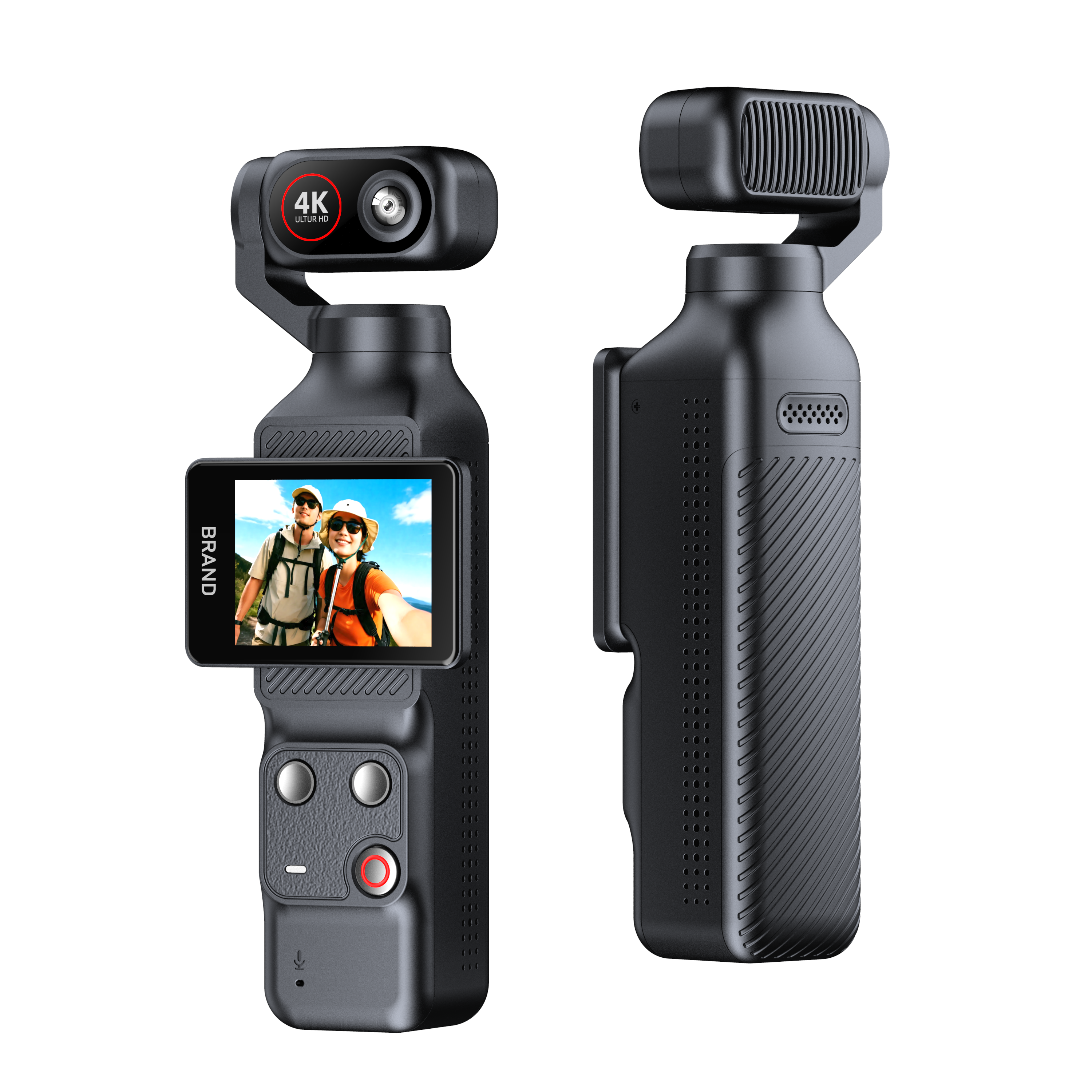
Q12 and Q12S share the same body and rotating lens assembly; the two models differ in imaging specification.
| Feature | Q12 | Q12S |
|---|---|---|
| Video | 1080P | 4K |
| Tracking | Single-axis | Single-axis |
| Lens | 130° | 130° |
| Rotation | 355° auto + 90° manual | 355° auto + 90° manual |
| Gesture Control | Yes | Yes |
| Battery | 2000mAh | 2000mAh |
| Stabilization | — | Built-in |
Both models sit inside our broader action camera range, and the technical background of the platform was covered in the earlier Q12/Q12S launch announcement.
How Brands Can Customize an Auto-Tracking Action Camera
Customization is not a single option; it is a scale. Brands approach it at the level their market and margin require, and it is worth knowing which level you actually need before requesting quotations. Our four levels are:
- Light customization — logo application and customized packaging, aimed at established brands that need to move quickly. This is the fastest route from a standard platform to a branded product.
- Drawing-based customization — your own drawings and CAD designs implemented in hardware, for teams that already know the housing and structural requirements they want.
- Sample-based customization — send a physical prototype and the platform is replicated or refined for mass production, which suits brands working from an existing reference product.
- Full scale customization — end-to-end development covering concept research, hardware design and manufacturing, for a genuinely new product.
Alongside the product itself, our stated quality process runs through function testing, aging testing and final inspection, with CE, FCC and RoHS compliance and trade terms including EXW, FOB Shenzhen, CIF and DDP. Minimum order quantity for standard products starts at 50–100 pcs, which keeps an initial program within reach for smaller brands. Full details of the four levels and the development workflow are on our OEM/ODM services page.
What Should Buyers Ask Before Choosing an Auto-Tracking Action Camera?
The list below is written as a sourcing checklist. Each question maps to something that affects whether the product performs in the field, and each one is answerable per model rather than per category. A responsive auto-tracking action camera manufacturer should be able to answer them with a specification sheet rather than a brochure.
- What tracking technology does the camera use, and how many axes does it move on?
- What is the usable tracking range, and what happens beyond it?
- How smoothly does the camera follow a subject moving at walking or running speed?
- What video resolutions and frame rates are available?
- Does it support gesture control, and which gestures are defined?
- What is the lens field of view?
- How far can the lens rotate?
- What is the battery capacity, and what runtime is it rated for?
- Is image stabilization included, and on which recording modes?
- Can the product be customized, and at which of the four levels?
- Can the manufacturer provide samples before mass production?
- What quality control stages and compliance certificates apply?
Start Your Auto-Tracking Action Camera Project
Auto-tracking action cameras are designed to simplify solo content creation by combining subject tracking, motorized framing, wide-angle shooting and hands-free control in one compact device. An auto-tracking action camera for content creators therefore lives or dies on one question: does it make recording alone easier than the alternative?
For brands developing action cameras for creators, the right product platform should balance tracking performance, image quality, portability, battery life and customization requirements. Looking for an auto-tracking action camera for your brand? Contact us to discuss product selection, private-label requirements or OEM/ODM development.
.jpg?imageMogr2/format/webp)